
How to Get More Google Reviews for Your Restaurant (Using WhatsApp)
Most happy guests never leave a Google review because nobody asks at the right moment. Five simple habits, with a short video: ask the same day, ask on WhatsApp, ask everyone, reply to every review, and watch the numbers.
Most happy guests never leave a Google review. Not because they didn't enjoy the meal, but because nobody asked them at the right moment, in a way that takes ten seconds.
Here's the simple system, in a 3-minute video and in writing below. The tips work with or without any software.
1. Ask on the same day
A guest who loved the ghee roast at lunch still remembers it that evening. A week later, the details have gone, and so has the urge to write about it. A few hours after the visit is the sweet spot: they've left, they're back at their phone, and the meal is still fresh.
2. Ask where your guests already are: WhatsApp
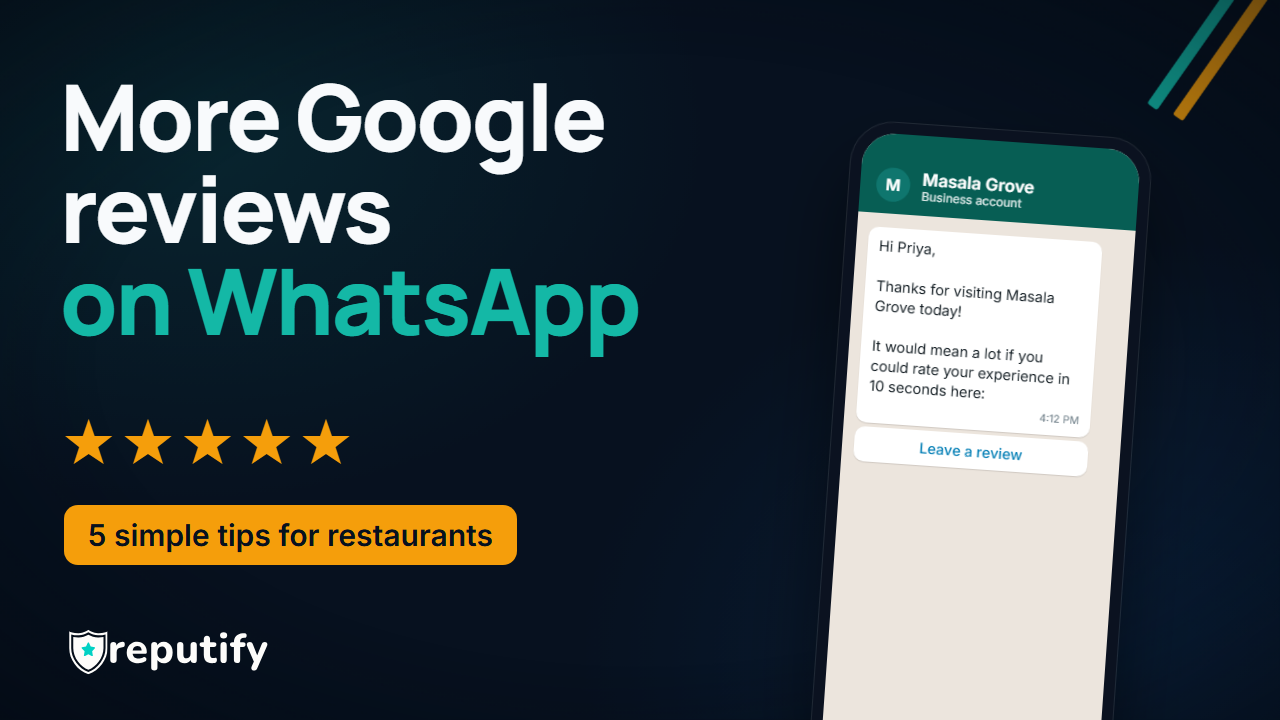
In India, that's WhatsApp, not email. Send one short message from your business number, with a link that opens Google's own review form. No app to download, no login, nothing to search for.
Hi Priya,
Thanks for visiting Masala Grove today!
It would mean a lot if you could rate your experience in 10 seconds here: [Leave a review]
Keep it short, use their first name, and include a way to opt out. One message is enough. If they haven't opened the link after a few days, a single gentle reminder is fine; after that, stop.
3. Ask everyone, and give unhappy guests a second door
Some visits go wrong. Give every guest a way to tell you privately what happened, as well as the review link. This is a second door, not a filter: everyone still gets asked for a Google review, whatever they tell you privately. Asking only the guests you think are happy goes against Google's rules.
The private door means you hear about the cold biryani tonight, while you can still fix it, instead of reading about it in a 1-star review next week.
4. Reply to every review
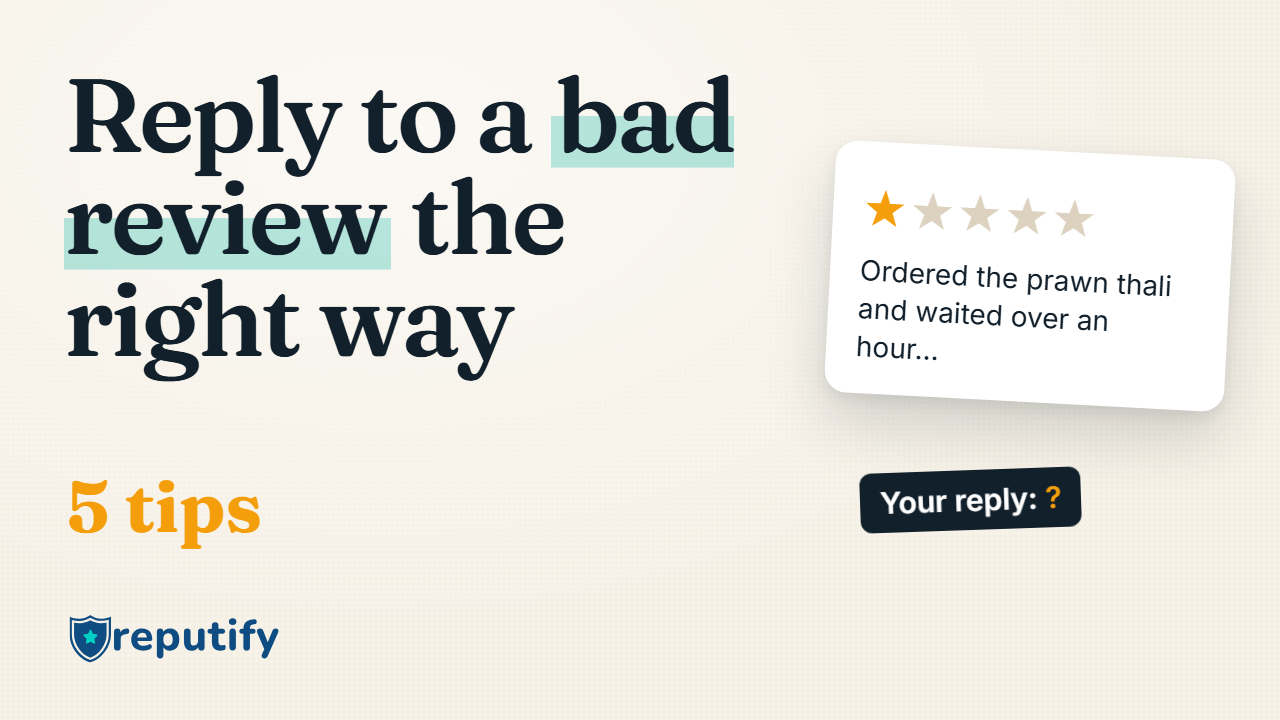
Many owners only reply to complaints. Reply to the five-star reviews too. Every reply tells the next person reading that someone is listening. Keep it personal: thank them by name and mention what they enjoyed. For the hard ones, see how to reply to a bad Google review.
5. Watch the numbers
Track four numbers each month: how many guests you asked, how many messages were delivered, how many were read, and how many people opened the review link. If they drop, something has changed at the counter: visits aren't being added, or the message isn't going out.
Two things never to do
- Don't offer discounts or freebies for reviews. Google doesn't allow incentives for reviews.
- Don't ask only the guests you think are happy. Selective asking is against Google's rules too.
Both can cost you the reviews you already have.
How Reputify does this for you
When a guest's visit is added (from Add a visit at the counter, a CSV upload or a connected system), Reputify sends the WhatsApp ask from your business number at the time you choose; three hours is a good place to start. If the link isn't opened after three days, one reminder goes out. Private feedback reaches you, and a low rating opens a recovery case so someone calls the guest back. Every Google review lands in one inbox with a reply drafted in your tone, and nothing is posted until you approve it. Review Growth shows you asked, delivered, read and opened, so you know it's working.
Try Reputify free for 14 days. No card needed.
Common questions
Is it OK to ask for Google reviews on WhatsApp?
Yes, when the guest has shared their number with you and can opt out. Send one clear message with a link to Google's own review form, and don't keep chasing.
When is the best time to ask?
The same day, a few hours after the visit. Late enough that they've left, early enough that they still remember the meal.
Does WhatsApp cost money?
Messages go from your own WhatsApp Business number, and Meta bills those conversations to your business directly. Reputify adds no per-message markup.
Related: Review requests that don't feel spammy.