
Smart Review Alerts Without Notification Fatigue
Ping for every five-star review and your team goes numb. Stay silent on bad reviews and you miss the window. Here is how to design alert rules, channels, and cadence so the right people see the right reviews at the right time.
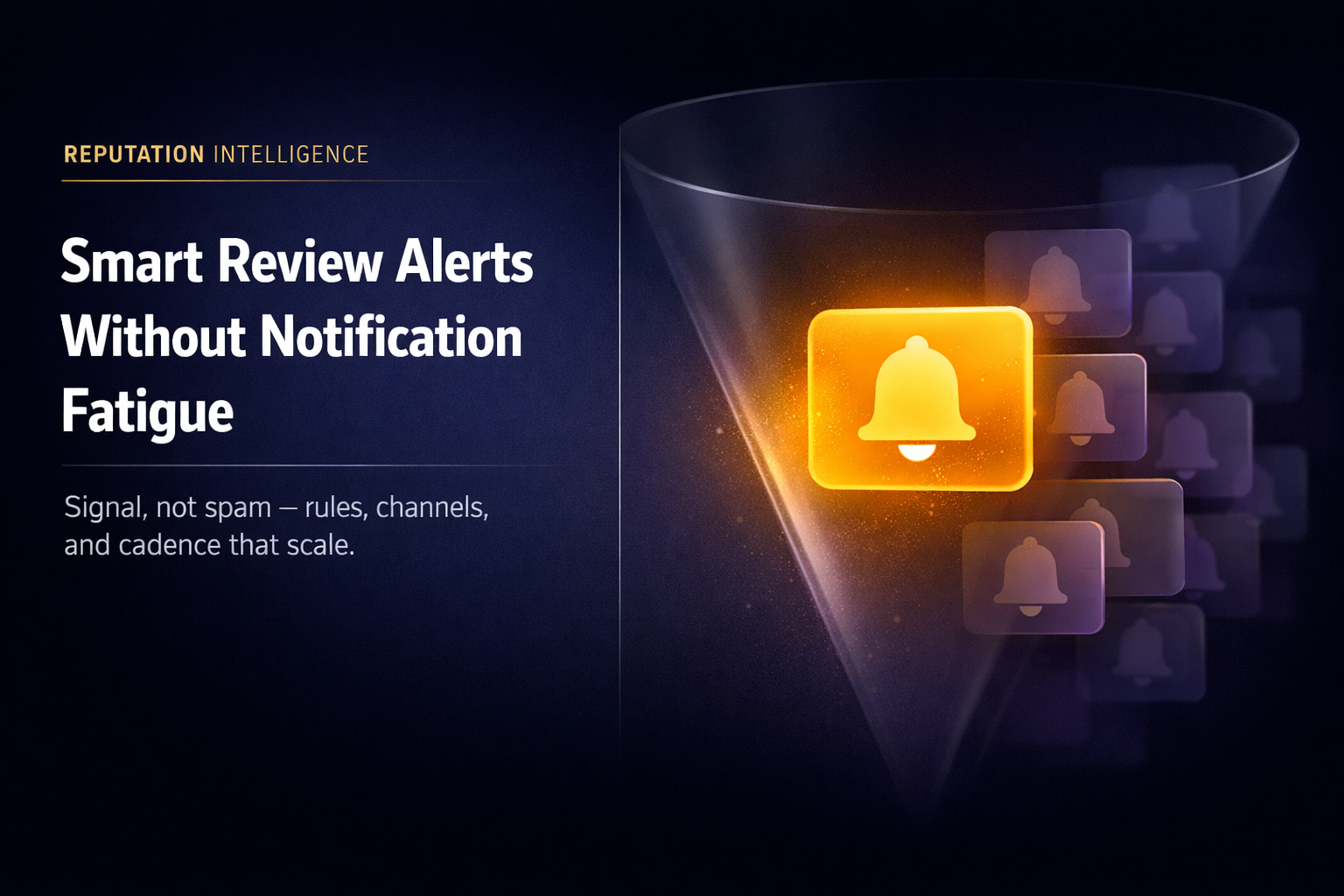
The worst review program is not "we don't care." It is we care so loudly that nobody listens anymore. If your team gets a push notification for every new five-star review, the one-star alert on a Friday night becomes background hum. In 2026, the winning teams treat alerts like operational design: narrow conditions, clear owners, and channels matched to urgency.
Two ways review alerts break
Silence: nobody is paged when it matters - usually because monitoring is manual, or notifications only go to an inbox nobody owns.
Noise: everybody is paged for everything - so people mute the app, filter the email, or mentally downgrade "urgent" to "ignore."
Your goal is a boring middle: high signal, low volume. That requires rules, not willpower.
What belongs in a review alert rule
Think in layers. Each layer narrows the blast radius:
- Rating floor. Example: trigger when stars are 1-2, or when the rolling average for a location dips below your threshold.
- Sentiment. Pair low stars with negative sentiment so a neutral two-star "could be better" does not wake the CEO at midnight.
- Keywords (optional). Words like "refund," "rude," "wait time," or "sick" often mark reviews that need ops or legal awareness - not just marketing.
- Location scope. Multi-site brands should route downtown alerts to the downtown manager - not to a national inbox where context dies.
The point is not cleverness. The point is predictability: everyone knows what kind of review creates which kind of ping.
Match the channel to the moment
Not every alert deserves the same interrupt level.
- Email works for daily rhythm: summaries, non-urgent new reviews, and audit trails.
- In-app keeps context inside the tool your responders already use.
- WhatsApp (or SMS-style urgency) fits the "someone must see this in the next hour" cases - when maps traffic is peaking or the wording suggests safety or legal risk.
If everything is "urgent," nothing is. Reserve the loud channel for rules you would defend in a five-minute meeting.
Cadence beats heroics
Even perfect rules fail if reviews land in the system late. Alerts are only as good as ingestion latency. A weekly export from a spreadsheet is not an alert program - it is a retrospective. Design for minutes-to-hours, not days, on the platforms that drive revenue (for most local businesses, that still starts with Google).
How Reputify keeps alerts usable
Reputify separates detection from delivery:
- Custom alert rules (Growth and above) combine rating, sentiment, keywords, platform, and location scope with AND-style matching - so conditions stack instead of spamming.
- Rating-threshold rules cover focused "this location is slipping" monitoring without building a full rules engine in a spreadsheet.
- Multi-channel notifications let you assign email, WhatsApp, and in-app per user and notification type - so the owner can get WhatsApp for critical paths while analysts live in email.
- Pre-built templates (for example urgent bad review, negative sentiment, Google-only) give you a sane baseline on day one - then you tighten.
The takeaway
Notification fatigue is not a people problem. It is a policy problem expressed as software defaults. Shrink the surface area of "urgent," widen the path for routine work, and your team will actually read the alerts that protect revenue.
If your last three "critical" alerts were all five-star thank-yous, your rules are lying to you. Fix the rules.
Start a free trial or book a demo to see alert rules and multi-channel routing in one workspace.